- Keeps what you play
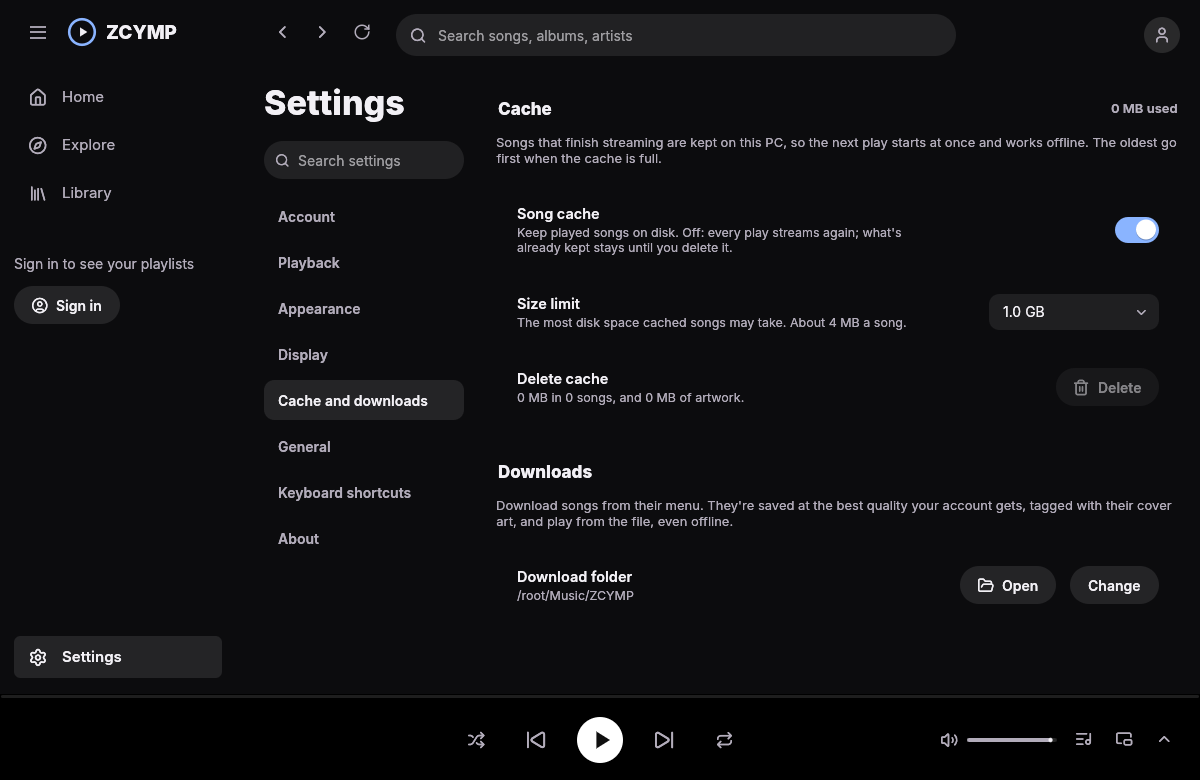
- A song that finishes streaming stays on disk. The next play starts at once, needs no network and works offline. Set the limit from 256 MB to 10 GB; the songs you played longest ago go first. One switch turns it off and one button deletes it all.
- An island for a mini player
- Press Ctrl+M and the app becomes a notch at the top centre of your screen, above every other window, showing the cover and the song. Point at it and it opens into a player with seek, previous, play and next. Double-click it for the full-screen player.
- Loads ahead of you
- The next song in the queue and its cover are fetched before you need them. Artwork travels over HTTP/2, or HTTP/3 where your network carries it, and falls back by itself. Explore opens from disk while the fresh page loads.
- Artwork on your terms
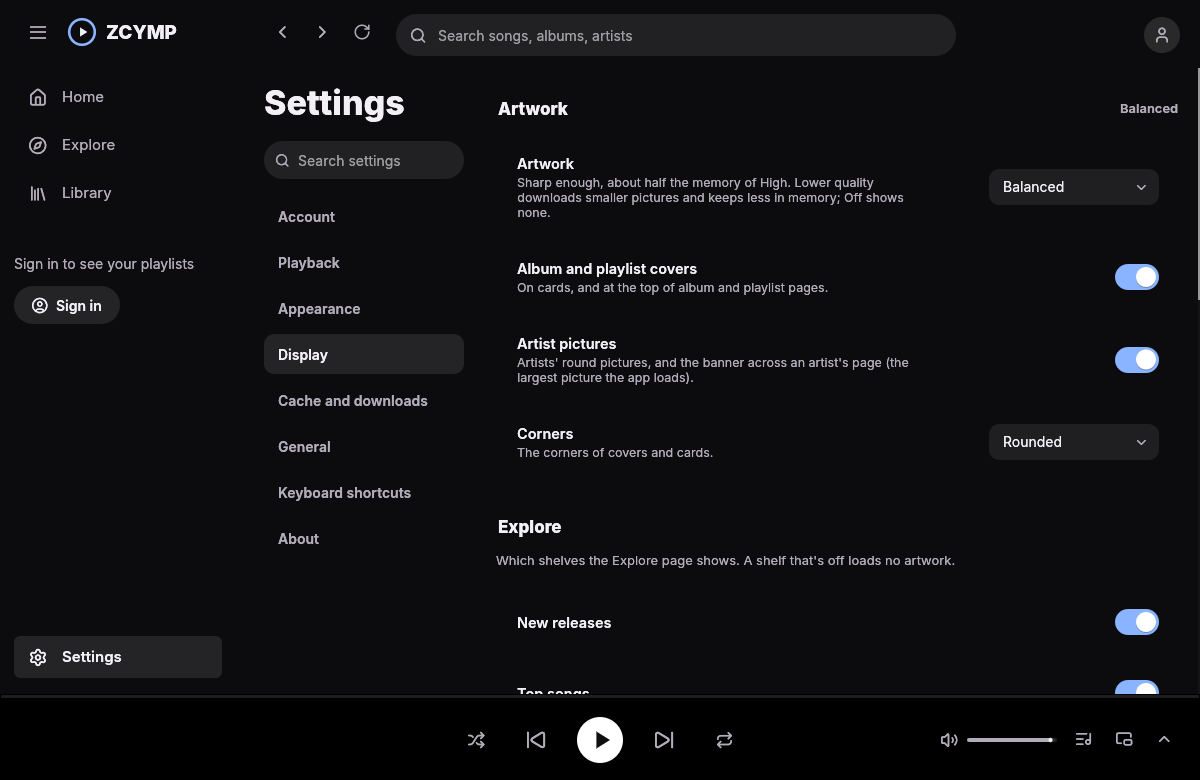
- Pick Off, Low, Balanced or High. Switch album covers, artist pictures and row covers on or off separately. Lower settings download smaller pictures and keep less in memory; Off downloads none.
- Tracks of any length
- Long mixes play through a sliding window of a few megabytes instead of sitting in memory whole, so a stream that runs for hundreds of hours costs the same as a ten-minute one.
- Stays as you left it
- No self-updater and no version checks. The app talks to YouTube and Google's servers for your music and nothing else, unless you turn on SponsorBlock to skip the talking in music videos.
 ZCYMP